


Receive
Additional services
- Redirection
- Reschedule
- Another receiver
- Leave it nearby
- Transfer/storage point
- Parcel storage
- Safe purchase
- Easy Return
- Self-service terminal
- Free Hands
 Tracking
 Shipping cost
- Calculate customs duties
 The nearest branch
Easy Return
A simple service that makes it easy to return an item that didn't fit you to the seller after receiving it.
Advantages
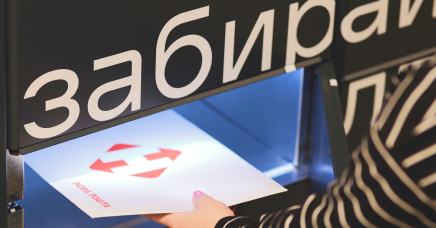 This service is free of charge for documents and parcels up to 30 kg
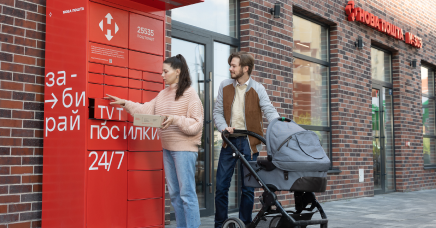 Send goods either from a parcel locker, branch, or by courier
 Order this service in a few clicks
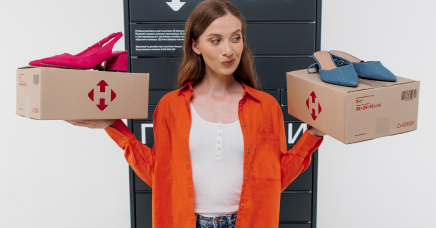 You can order several items and return those that don't fit
How to apply for the service
You can order this service and track the delivery status via the mobile app or bussines account.
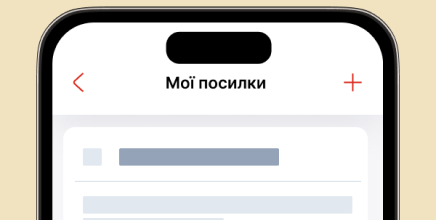 1. Access the "My shipments" section and select the parcel you want to return.
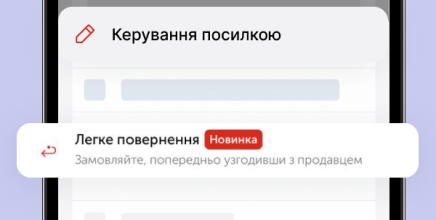 2. Select the Easy Return service in the Manage your parcel field.
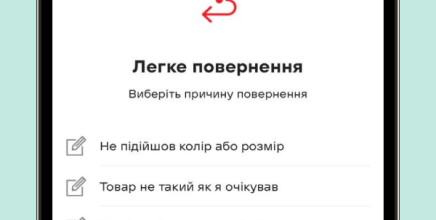 3. Specify the reason for returning the goods from the list.
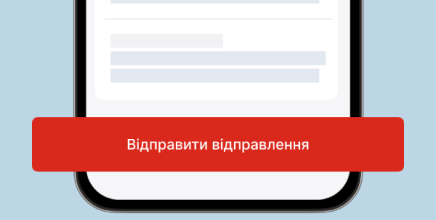 4. Send the parcel to the seller based on the created waybill.
Terms of service
 You must agree with the seller to return the goods
 You can return the goods within 14 days after receiving them
 Cargo exceeding 30 kg, pallets, and tires/wheels are not covered by this service and are calculated as a new shipment at regular rates
 The goods must be packed, with marketable appearance, all tags, a sales receipt, and a warranty certificate
 When ordering a courier delivery, you must pay 50 UAH for the address service
- To avoid any issues with refunds, we suggest that you discuss the terms and conditions of the refund with the seller when purchasing the goods

Frequently asked questions
- Why is it impossible to order the service on the website and in the app? What are the restrictions when ordering the service?
The Easy Return service may not be available if:
- The seller denied this option. In this case, an error message pops up when you attempt it: "Easy Return is denied at the seller's request".
- More than 14 days have passed since the parcel was received.
Please write to the contact center or your personal manager with the "Easy Return" subject to learn more.
- I've ordered several items from a seller. How many of them can I return?
- Can I order this service in the contact center or a branch?
- I've ordered this service and the seller doesn't accept returns. What should I do?
- I can't enable this service in the parcel locker. It displays a message: "There are no free lockers". What should I do?
- I would like to provide comments and/or suggestions on how to improve the Easy Return service. Where should I write?
