


New option in the Nova Post app: log in with multiple numbers at the same time
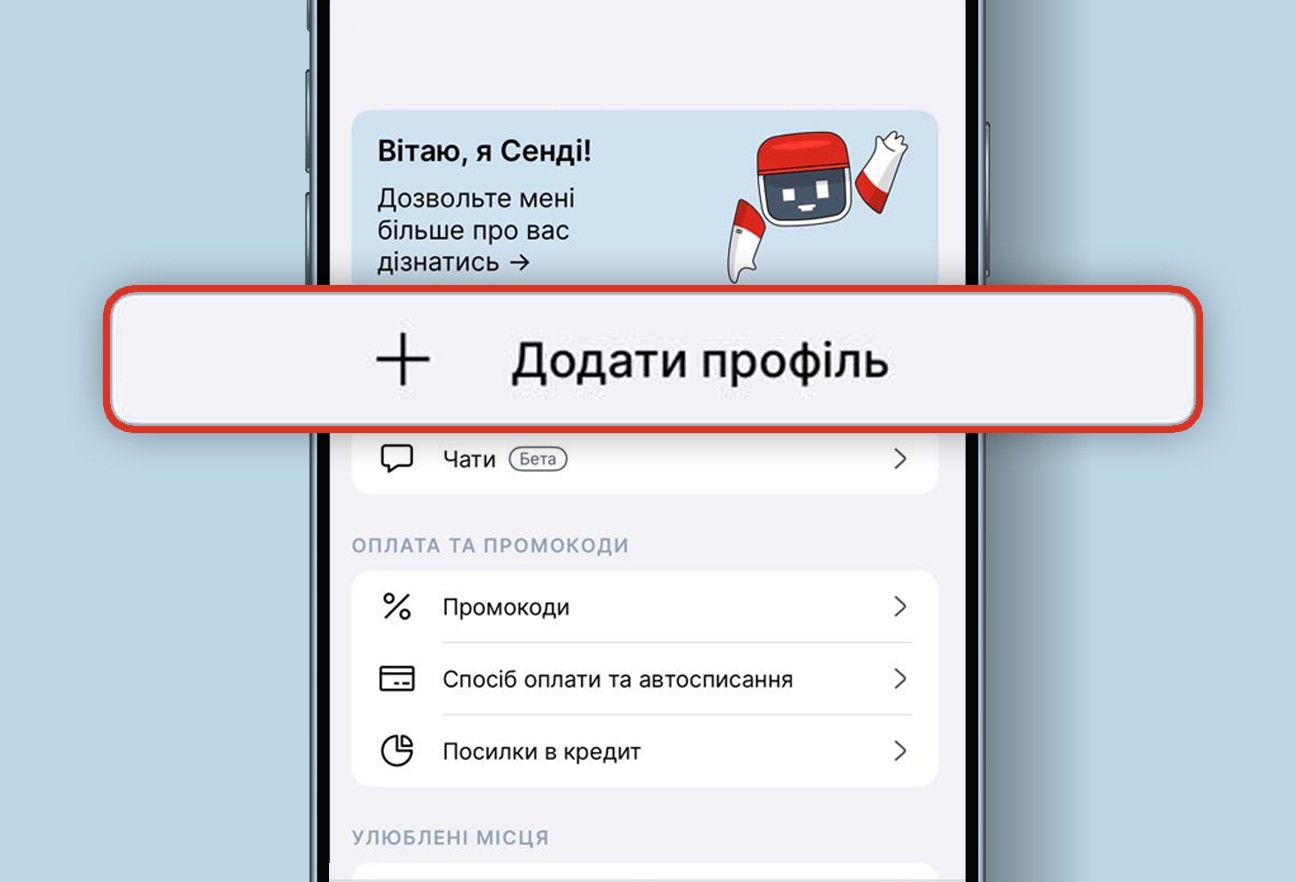
If you have several numbers — personal, work or international — you no longer need to constantly log out of one account to log into another. The Nova Post app now has a new convenient option — the ability to log in with three phone numbers at the same time.
You can:
- manage parcels for several phone numbers at once
- quickly switch between profiles — in the ‘Profile’ section or from the main screen
- receive notifications in all accounts, without missing a single delivery
There are no restrictions on numbers: you can add both Ukrainian and foreign numbers.
Instructions
How to add a new profile
- Open the app and go to the ‘Profile’ section.
- Tap ‘Add Profile’.
- Log in with another phone number
- Done! The new account will appear in the list of profiles.
You can have up to 3 active accounts on one device at the same time.
How to switch between accounts
- In the ‘Profile’ section, select the desired account.
- Or use quick switching: press and hold or double-tap the profile icon at the bottom of the screen and select another account.